It was 25th August 1991, when Linux Torvalds while studying computer science in University of Helsinki, announced a system in Usenet newsgroup "comp.os.minix"
Hello everybody out there using minix -

I'm doing a (free) operating system (just a hobby, won't be big and professional like gnu) for 386(486) AT clones. This has been brewing since april, and is starting to get ready. I'd like any feedback on things people like/dislike in minix, as my OS resembles it somewhat (same physical layout of the file-system (due to practical reasons) among other things).

I've currently ported bash(1.08) and gcc(1.40), and things seem to work. This implies that I'll get something practical within a few months, and I'd like to know what features most people would want. Any suggestions are welcome, but I won't promise I'll implement them :-)

Linus (torvalds@kruuna.helsinki.fi)

PS. Yes - it's free of any minix code, and it has a multi-threaded fs. It is NOT portable (uses 386 task switching etc), and it probably never will support anything other than AT-harddisks, as that's all I have :-(.

— Linus Torvalds
Linus never thought that this hobby will change the way people think in future. The name Linux was given to he project Code Base by Ari Lemmke at the University of Helsinki, the name was given without consulting Linus, later however Linus Torvalds consented to "Linux".
 The current mascot "penguin" was announced by Torvalds in 1996, Torvalds mentioned that he was bitten by a penguin when he visited a Zoo in Australia. Larry Ewing drafted the wellknown mascot, the name Tux was suggested by James Hughes as short of tuxedo.
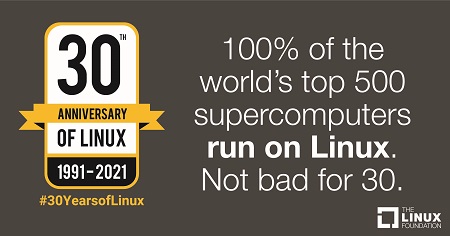 In 1992, Andrew Tanenbaum a well recognized computer science scientist wrote on the same newsgroup with title "Lixux is obsolete". which started the great debate about the Linux Kernal and today Linux runs 100% of all Top 500 Super Computers.
My Story
My first interaction with Personal Computers dates back to 1993, when i used to use Disk Less Systems in and around 1997-98 i was using 286, 386 Systems in our labs. The fear of Y2K delayed our first purchase of Personal Computer and finally in the year 2000 we bought a Celeron 633 Mhz, 32 Mb RAM, 2 Gb HDD based Personal Computer, those days there were Magazines like CHIP, DiGiT, PC Magazine which started supplying Software Utilities Compact Disks along with them, and some where in 2000-2001 one of these magazines supplied Mandriva Linux Compact Disks.
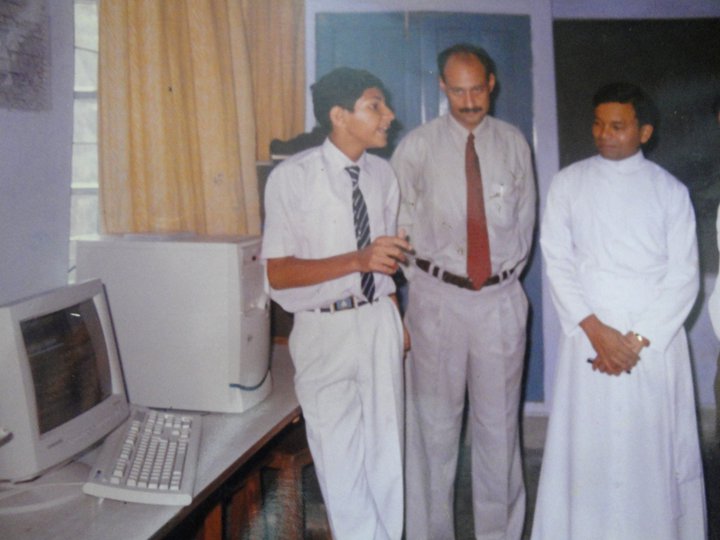 As usual the habit was of trying all the software available with the magazines, i tried installing Mandriva Linux without any past experience of non FAT filesystems and Oh HO resulted in wiping out of all my existing data, none of the software i had in Floppies or Compact Disks worked as they were all DOS/Windows compliant software. The situation was fearsome as without any knowledge a school going kid had lost his running software.
It took me whole day to bring back Windows 98 mostly at that time which ended by First Journey to Linux :)
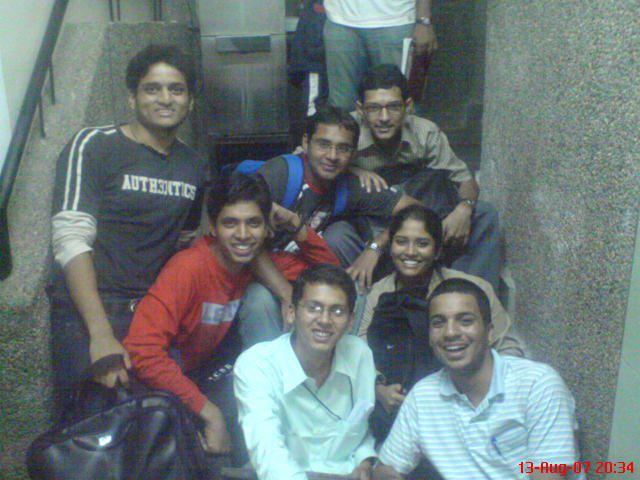 Well once i completed my schooling in Kashipur, i went to Banaras Hindu University and then to Symbiosis Institute of Computer Studies & Research Pune in 2007 where the never ending journey to the Linux World restarted.
I am very lucky to have some of the great teachers behind me always that the journey which restarted is still continuing and today i not only use Linux based Operating Systems but also contribute back to the community in various forms code, translations, teaching and many more.
In the college days we used various flavors of Linux some of them have now even reached end of life, which taught me resolution of issues ,writing Howtos and referring various guides to explore and innovate things.
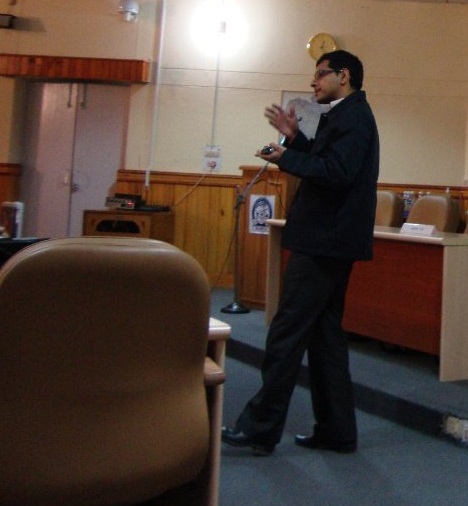
I generally don't speak much but the Open Source / Linux World taught me to be open and now i am able to speak up my views openly.
In present day i continue to be a loyal user, contributor, teacher. On my linux journey i have built servers, radio stations, AI Applications, Bots and much more...







Recent comments
find .